Terminal
foot dressed as an Atari ST terminal, in the ST's own font and palette, light or dark.
gemwm-terminal
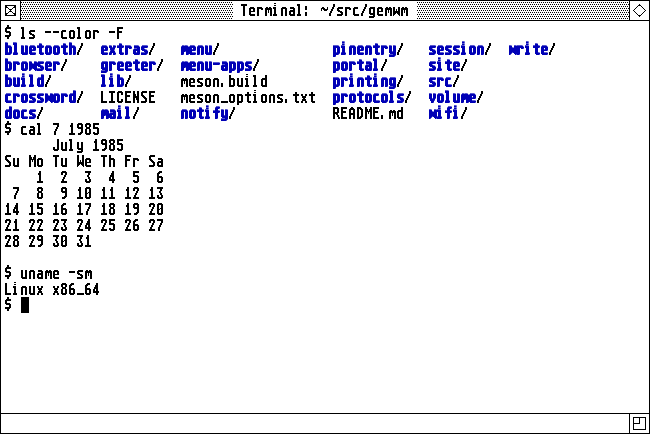
Super+T, Alt+Return and Desk > Tools > Terminal open gemwm-terminal:
foot dressed as an Atari ST terminal, in the
ST’s own 8x16 system font with the ST palette.
There are two themes: light (the mono monitor’s black on white) and dark (reverse video). Options > Terminal Theme switches every open terminal and remembers the choice, and Ctrl+Shift+D flips a single window.
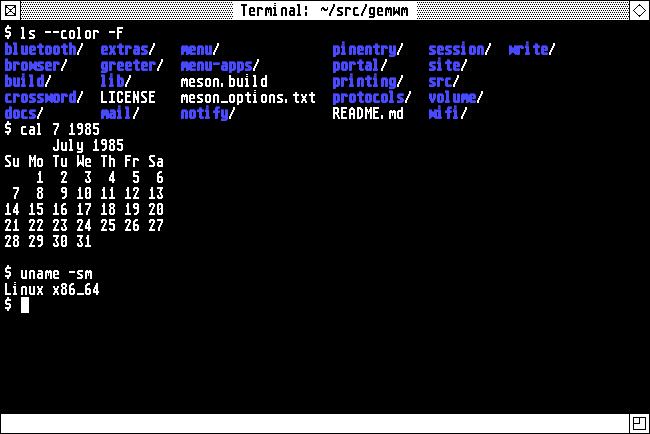
gemwm-terminal                  # open one
gemwm-terminal theme dark       # or light; what the menu does
It layers the theme over your own ~/.config/foot/foot.ini, so your key
bindings and other settings still apply. To use another terminal instead, set
TERMINAL in ~/.config/gemwm/env.